Personal Project 1 Plan Overview
I will primarily focus on researching AI-based 3D modeling and learning how to manually rig models and create animations.
While reviewing job descriptions for modeling positions at many major game companies, I noticed that candidates are often expected to be familiar with some of the widely used AI modeling tools available on the market. Therefore, I plan to gain hands-on experience with these tools through my personal project so that I can better adapt to new workflows in future professional environments.
Preparation
Original Image
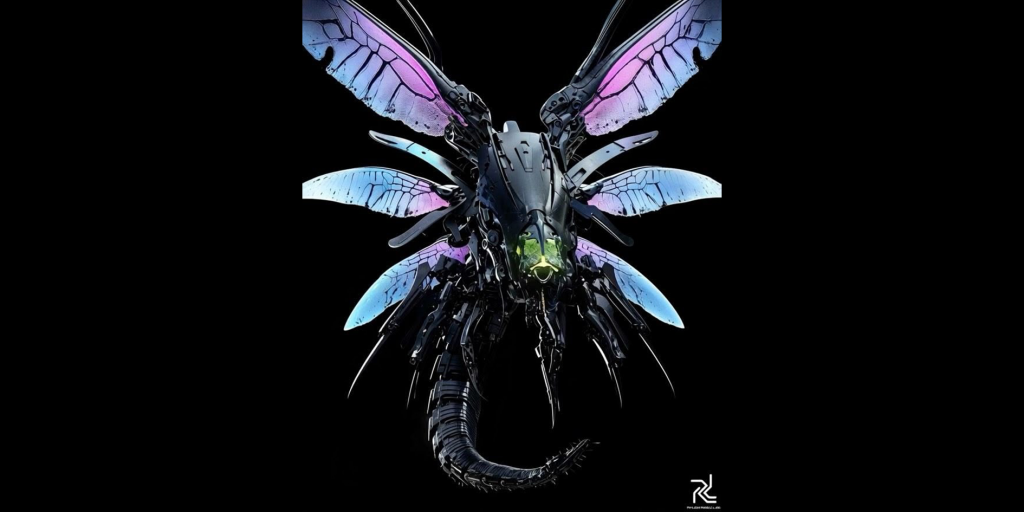
photo link: https://uk.pinterest.com/pin/865043040950126428/
AI-Generated 2D Four Views
I found an AI-modified front-view image of a mechanical insect online and then used AI to generate its four orthographic views.

Exploring AI 3DModeling
1.Tripo Studio
Based on the provided images, Tripo AI generated a highly detailed 3D model, and the overall result looked very impressive.
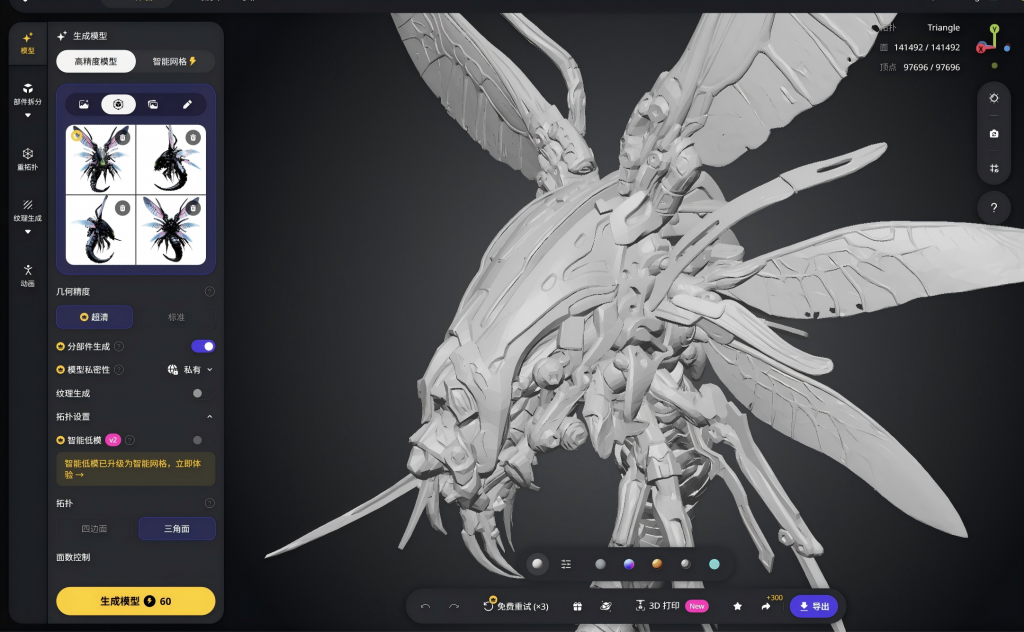
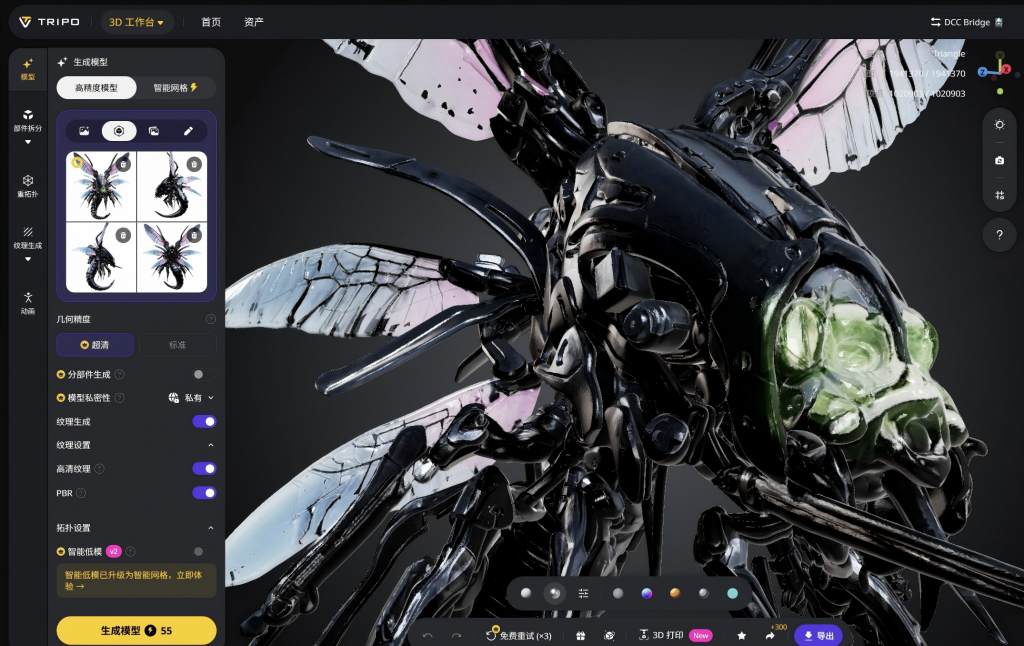
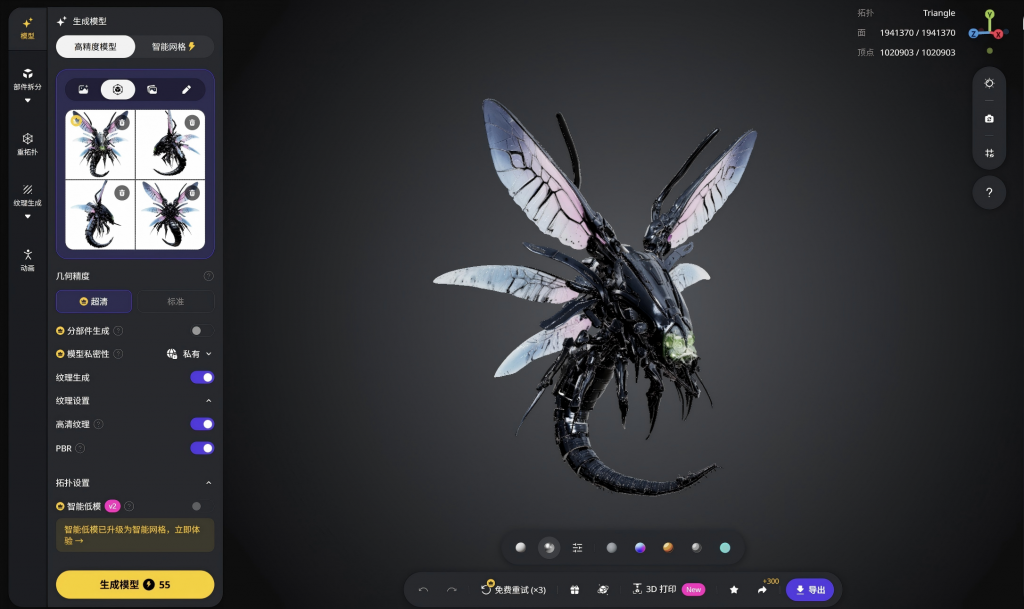
However, the model was generated as a single object. Since rigging would likely require separate movable parts, I decided to test Tripo AI’s component-splitting feature. Initially, the automatically generated segmentation contained many flaws and required extensive manual correction.
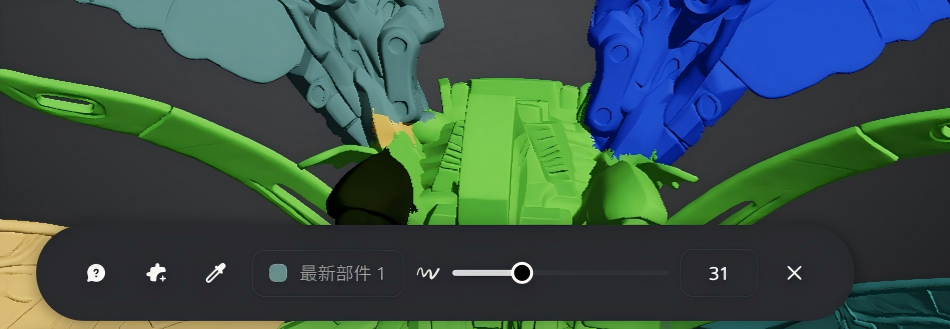
After a considerable amount of manual editing, I successfully separated the wings, arms, head, and tail into individual parts.
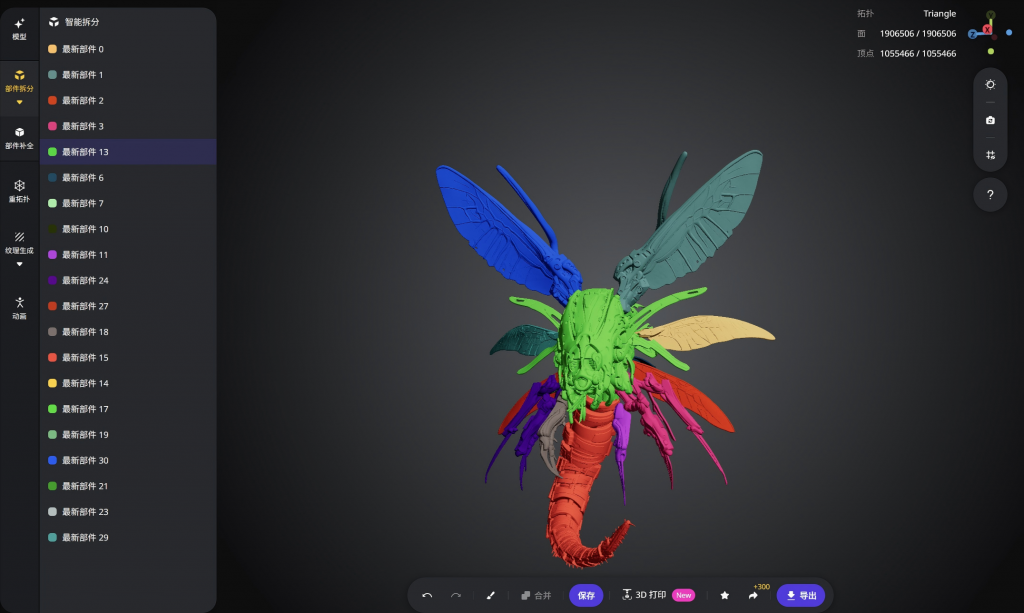
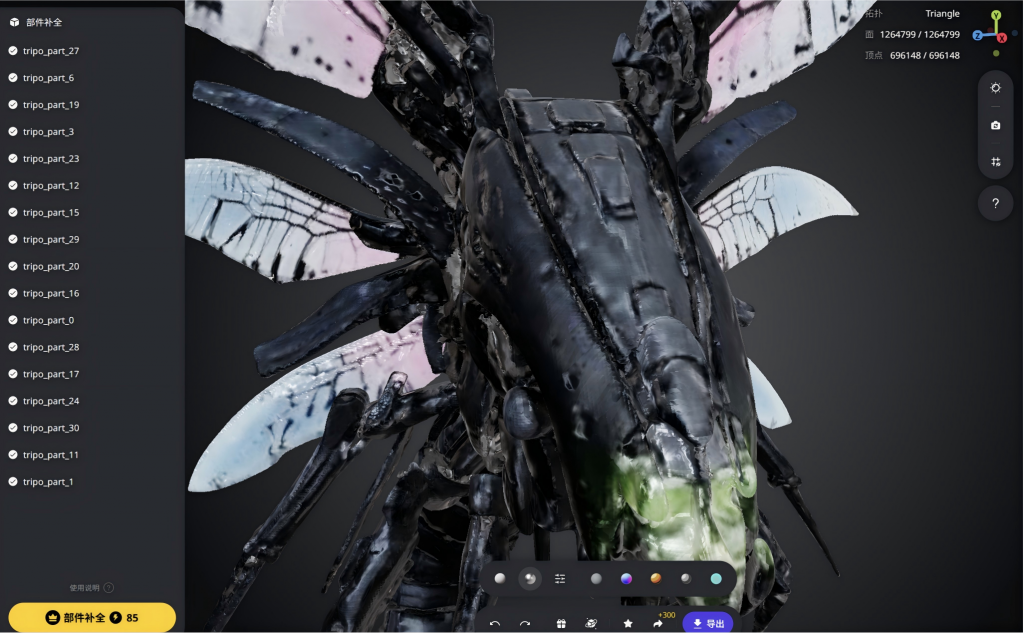
In addition, after using the component-splitting function, the software recalculated both the model’s polygon count and textures. As a result, a new issue appeared: the recalculated model and textures became noticeably less detailed and less clear than the original version.
2.Rodin AI
Based on the provided images, Rodin AI also generated a highly detailed 3D model.
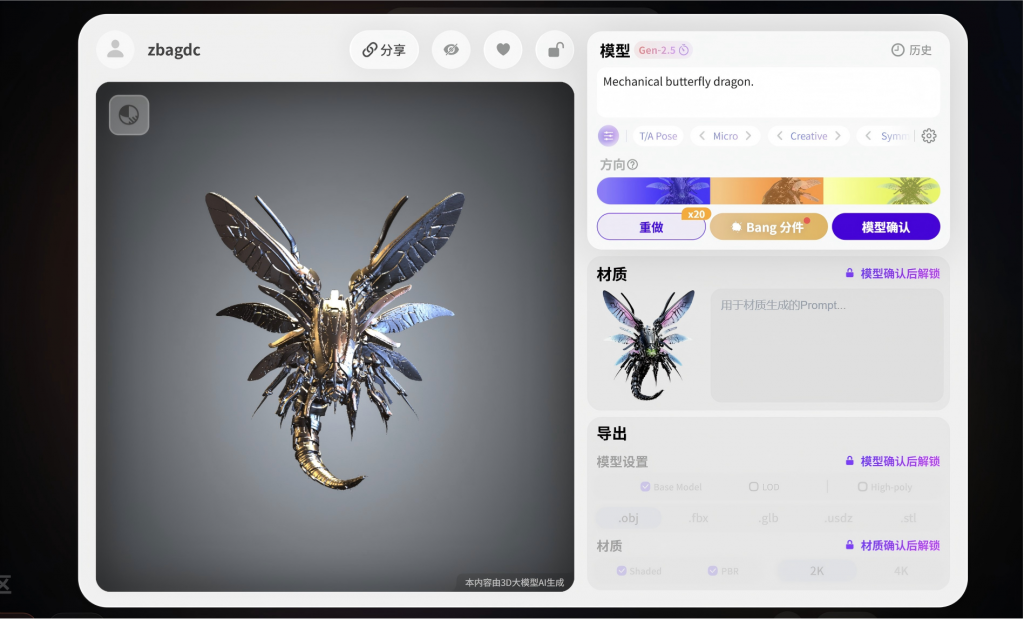
One advantage of Rodin AI is that it can first separate a complete model into individual components and then regenerate sketches to determine how those components should be divided. As a result, its segmentation performance is better than that of Tripo Studio.
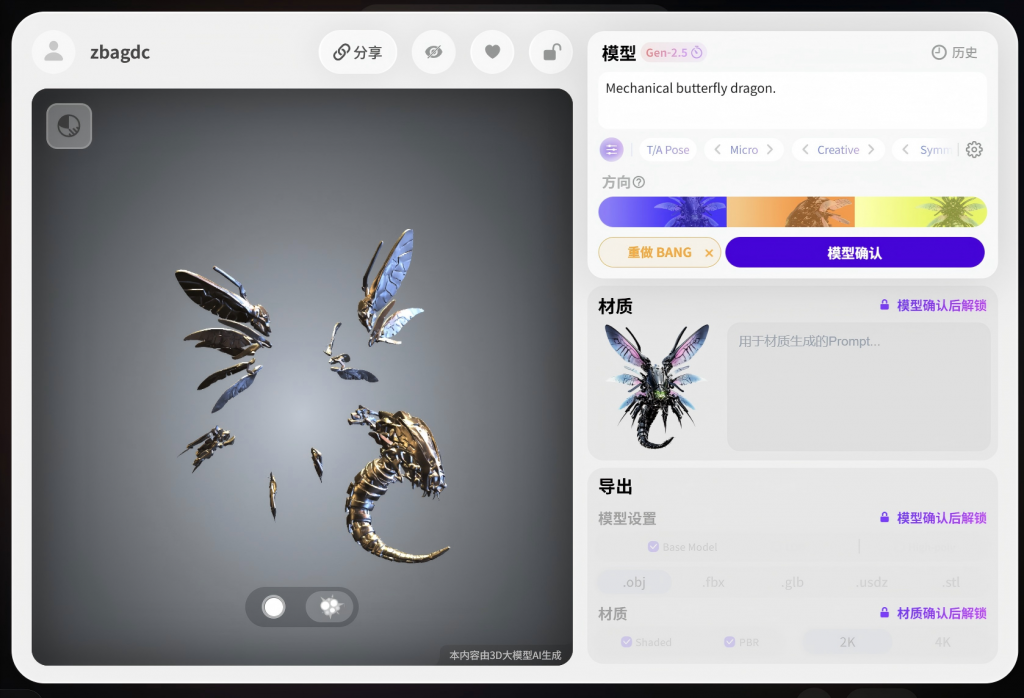
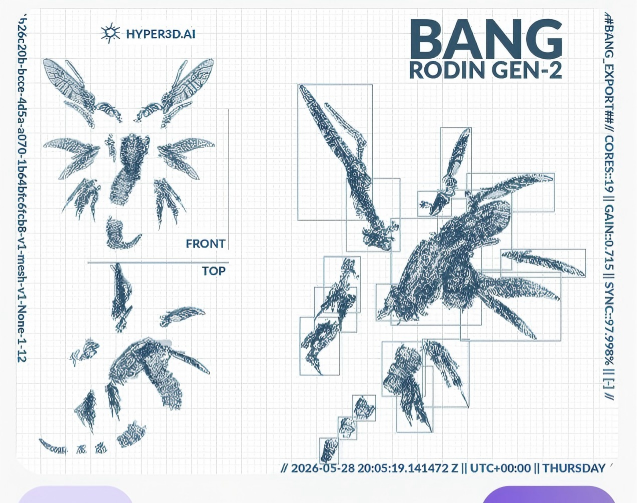
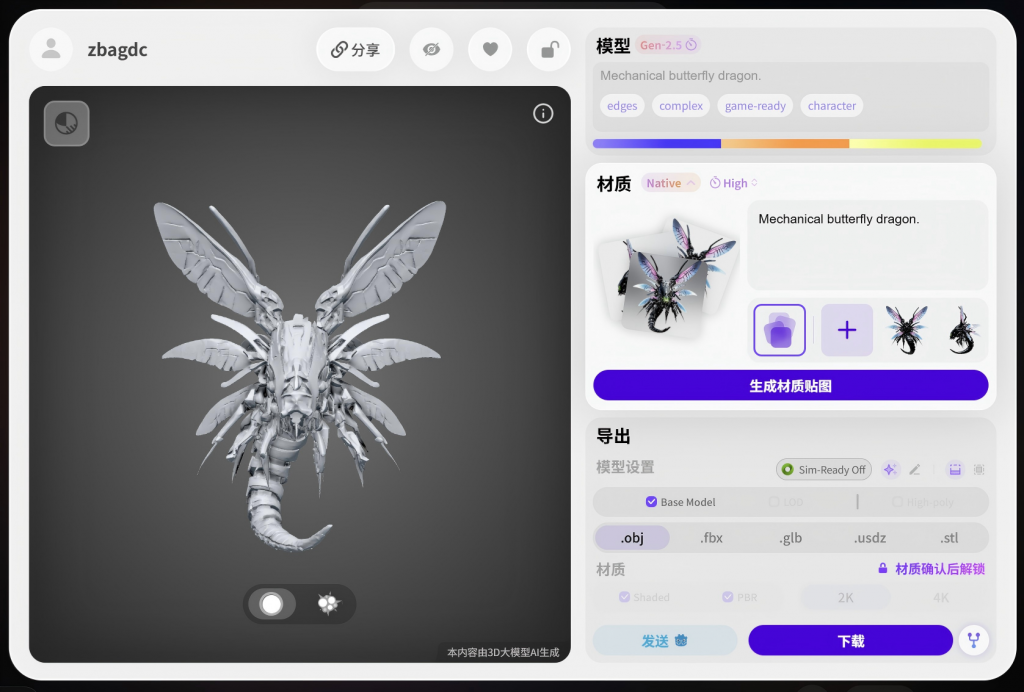
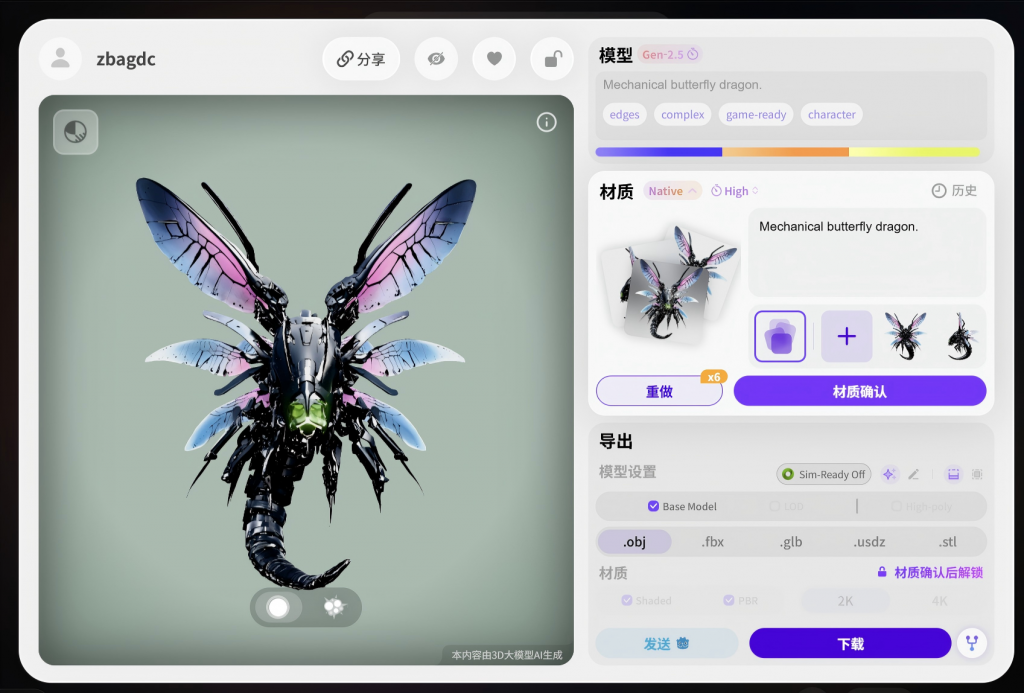
After the model was split into parts, Rodin AI generated the materials. After reviewing the final exported result, I was more satisfied with the outcome produced by Rodin AI.
Conclusion
First, Tripo Studio is capable of generating more detailed models. However, after using its component-splitting feature, both the model geometry and textures become noticeably rougher.
Second, without purchasing the Business plan, Rodin AI does not achieve the same level of model detail as Tripo Studio. However, its component-splitting functionality performs better than Tripo Studio’s.
Therefore, I may continue experimenting with Rodin AI to create new models in future projects.
Leave a Reply